Checkout coupon field: apply the discount up front
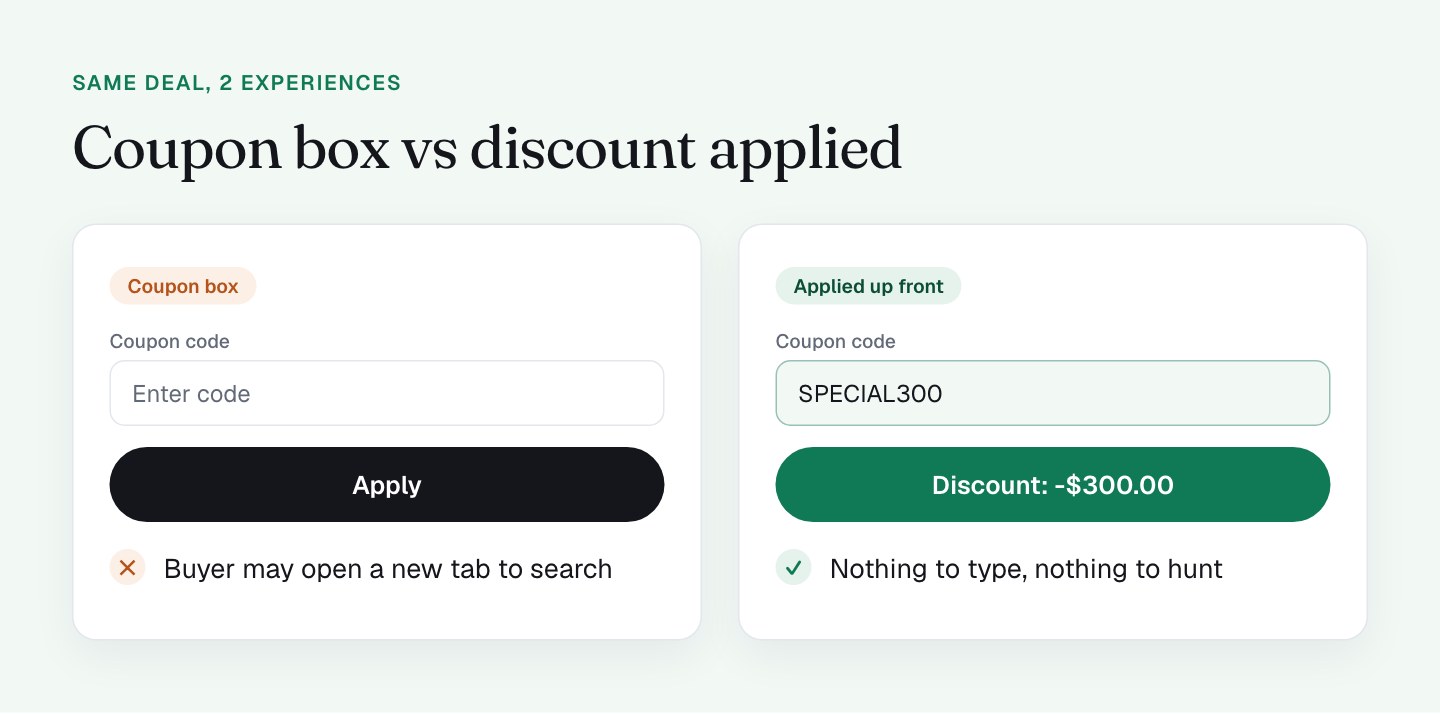
The best checkout coupon field is the one buyers never have to use. If the discount is already applied when the page loads, nobody has to type a code, and nobody has a reason to open a new tab and search for a better one.
That's the tactic my Clepher checkout is built on, and I think it's one of the smartest things on the page.
Why does applying the discount up front work?
An empty coupon box asks the buyer a question: "Do you have a better deal somewhere?" Some will go and look. In my experience, a box labeled "Coupon code" is a prompt to search for "[brand] coupon," and coupon sites are built to catch exactly that moment.
When the discount is already there, the buyer sees the saving first and the price second. The decision shifts from "is this worth $399?" to "do I want to take $300 off?" That's a much easier yes. The deal is part of the page, not a puzzle the buyer has to solve.
What I do on my checkout
The form is a PayKickstart iframe, and its source carries the code (cc=SPECIAL300). That means every visitor sees the discount, whether they arrive from an email link or load the bare URL.
Here's what the buyer sees:
- The COUPON CODE section already holds SPECIAL300.
- The order summary shows the saving as a real line: Clepher $399.00, VAT $20.79 at 21%, Discount -$300.00 labeled "75% discount," Total $119.79.
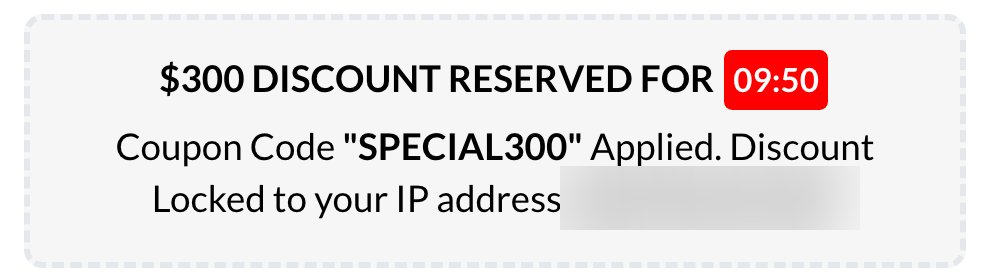
- Below the iframe, the page confirms "Coupon Code SPECIAL300 Applied."
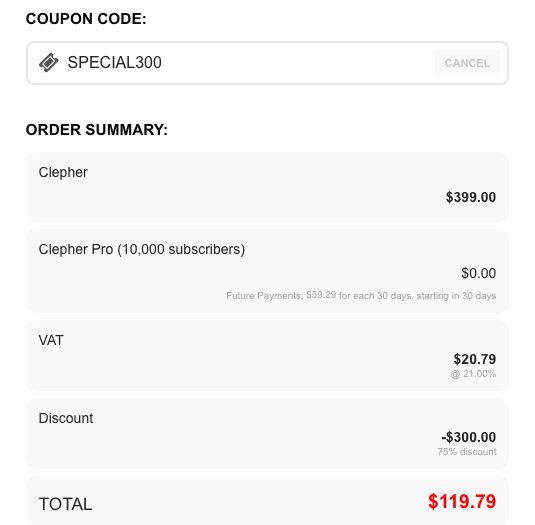
I like this for 3 reasons. The discount shows up in 3 forms: a code, a line item and a percentage. The confirmation message tells the buyer they don't have to do anything. And because the code is built into the page, the deal works the same for everyone, with no typing and no typos.
It keeps the promise from the email
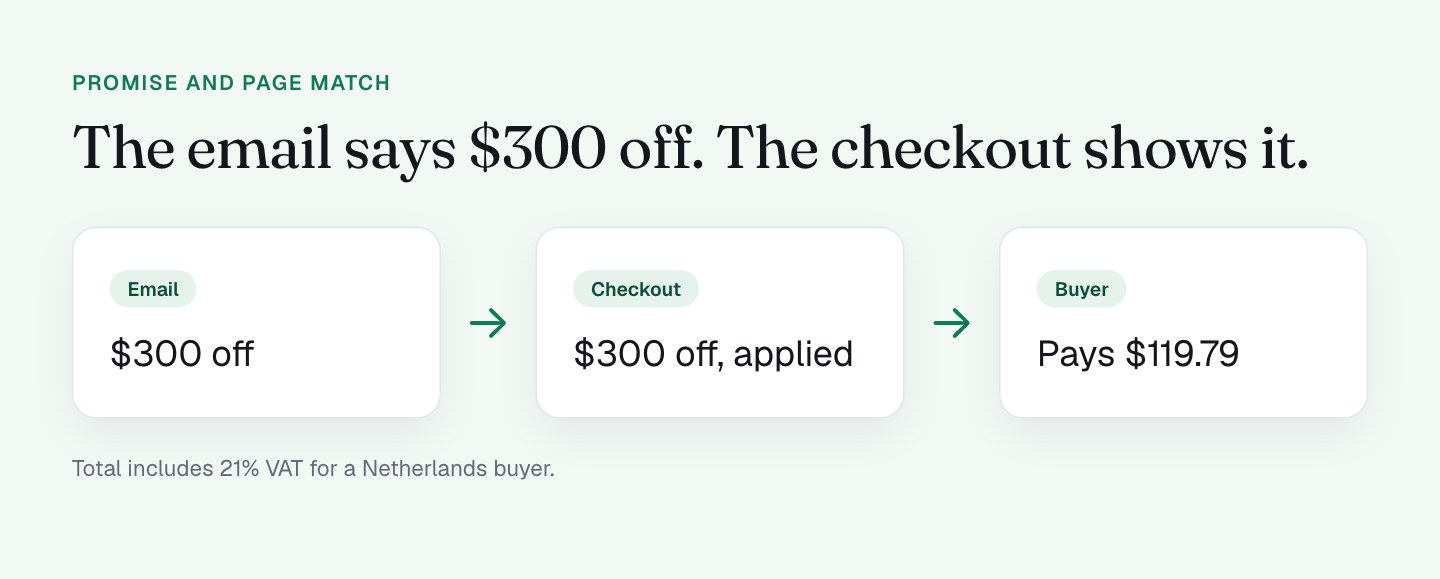
The email says $300 off. The buyer clicks and lands on a page that shows $300 off, in the summary, in the percentage and in the confirmation line. There's no gap between what I promised and what they see, and no moment where they wonder whether the link "worked."
That match matters more than most people think. Every extra step between the promise and the proof is a place to lose someone, and an applied discount removes the step entirely. It also means the page works for visitors who arrive without the link, such as a forwarded email or a bookmarked URL, because the bare page shows the same deal.
What I'll do differently
This works, so I'm treating the next steps as upgrades.
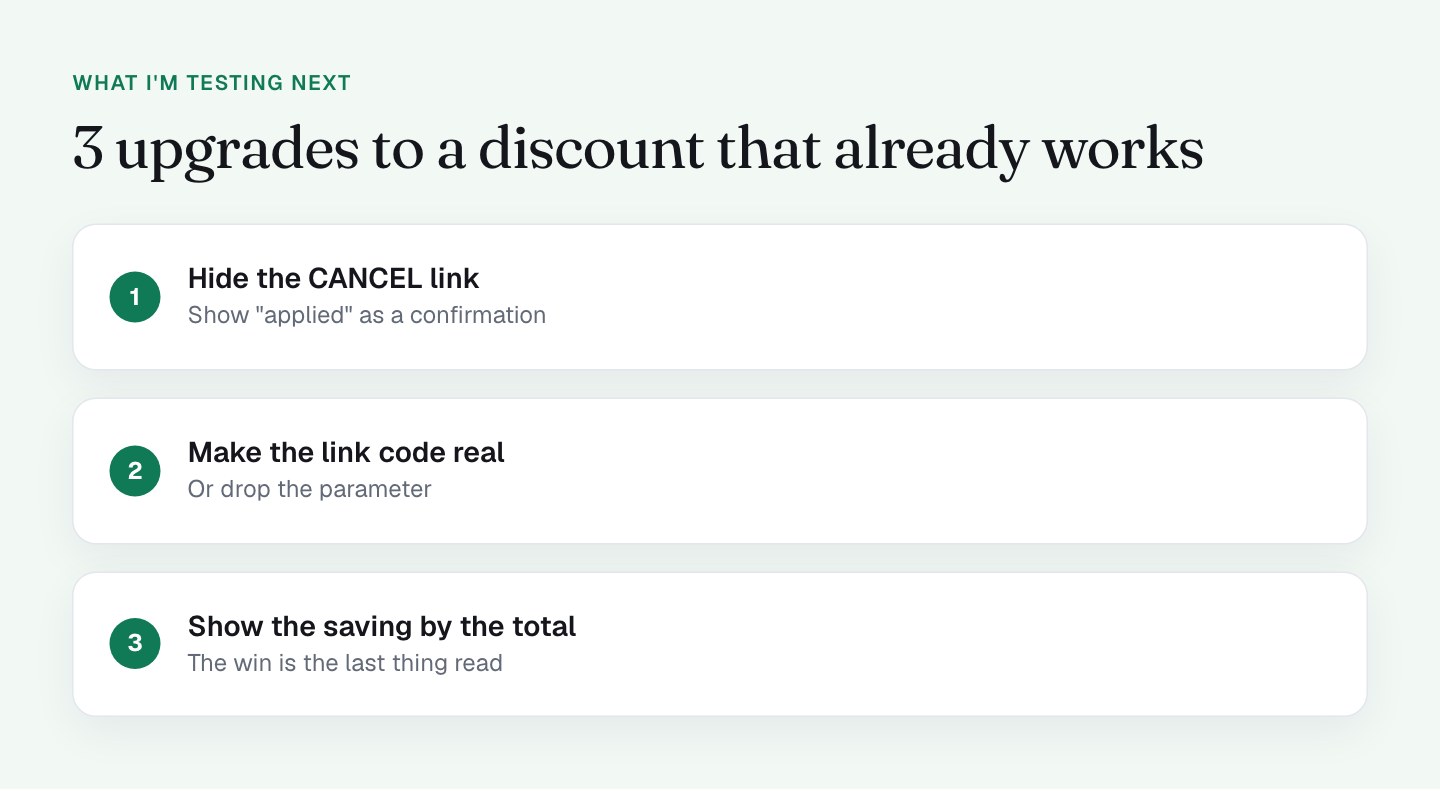
Next I'm testing a version without the CANCEL link. The prefilled field has a CANCEL link next to it, and I can't think of a reason a buyer would want to drop their own $300 discount on purpose. On a phone, a tap lands where it lands. I'd rather the field show "SPECIAL300 applied" as a confirmation and not as an editable box.
I'm making the link parameter real or removing it. The coupon=SPECIAL300 parameter in my email links currently does nothing, because the code is already in the iframe. That works fine for 1 offer. If I run a second offer with a different code, I want the link to carry it. I wrote about what the link does in the first post of this series.
I'm giving the permanent discount an honest label. The discount doesn't expire, which is a good thing for the buyer, but the page frames it as "reserved" with a countdown next to it. I'll talk about timers in part 9, on countdown timers. My plan is to describe the deal as what it is, a launch price of $300 off, and let the saving do the persuading.
I'm putting the saving next to the total. The discount row sits above the total. I'd like to write the saved amount right beside the red $119.79 as well, so the win is the last thing the buyer reads before the pay button.
When does a coupon field earn its place?
I'd still keep a field available for the cases where buyers really do arrive with a code from a partner, an affiliate or a support conversation. For those, I'd tuck it behind a small "Have a code?" link. Buyers who have a code will find it, and everyone else never sees an open box.
The same logic applies to the other money lines on the page. If you want to see how the bump adds to the order, read my post on order bumps.
What to check on your own checkout
- Does the discount apply before the buyer sees the form, or do they have to type something?
- Load your checkout with no query string. Does the deal still show? If yes, you know where the code actually lives.
- Is the saving shown as its own line in the order summary?
- Can the buyer remove the discount with 1 tap? Decide if you want that.
- Search Google for "[your brand] coupon" and see what a buyer would find.
- If you keep a coupon field, put it behind a text link.
FAQ
Should I show a coupon code field on my checkout page?
Only if buyers genuinely arrive with codes you can't apply for them. A visible coupon field on a checkout page can send buyers off to search for a better code, so I'd hide it behind a "Have a code?" link or apply the discount automatically.
How do I apply a discount automatically at checkout?
Pass the code in the checkout link or build it into the checkout form, so the discount is already in the order summary when the page loads. Then test the bare URL with no parameters, because that's the quickest way to learn where your code actually lives.
Does a coupon parameter in the URL always work?
No. A coupon parameter only works if your checkout reads it. On my checkout the coupon parameter does nothing, because the code is already built into the form, so I test links with and without it.
Should the buyer be able to remove an applied coupon?
For a launch discount, I'd say no. A removable coupon adds a tap that can only cost the buyer money. I'm testing a version of my checkout where the applied code shows as a confirmation, not an editable field.